What Actually Makes a Coding Agent Useful in 2026
There's a difference between an AI that writes code and one that gets real work done. Here are the 10 skills that separate them.
What Actually Makes a Coding Agent Useful in 2026
There's a difference between an AI that writes code and one that gets real work done. Here are the 10 skills that separate them.
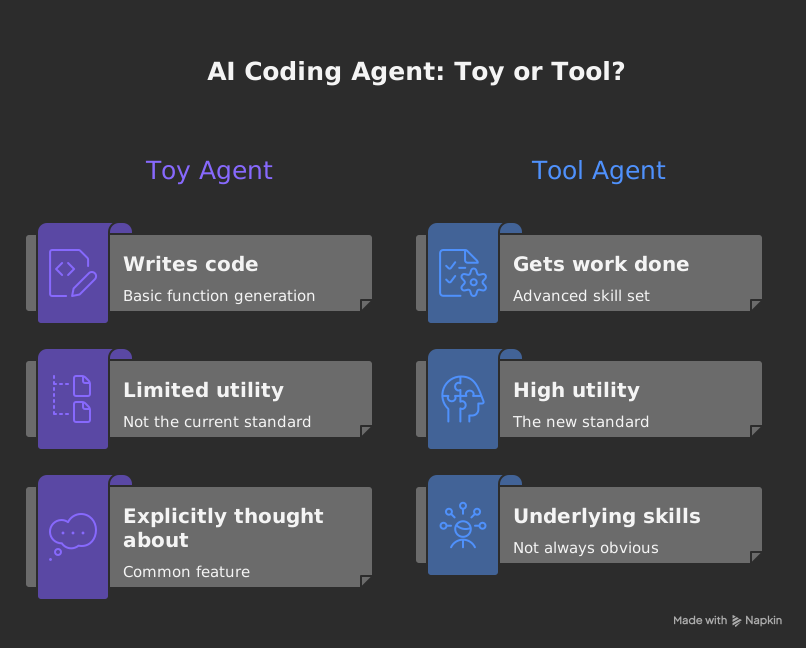
Most coding agents can write a function. That's not the bar anymore. The ones doing actual work in 2026 have a set of underlying skills that most people haven't explicitly named — and if you're building with Claude or any other coding agent, knowing them makes the difference between a toy and a tool.
I've been watching this space closely. Here are the ten skills that actually matter.
Table of Contents
- Memory — Short-Term and Long-Term
- Knowing When to Use Tools
- Computer Use
- Prompt Caching
- Running Code
- Web Search
- Working With Files and Folders
- Using External Services
- Multi-Agent Coordination
- Model Context Protocol (MCP)
1. Memory — Short-Term and Long-Term
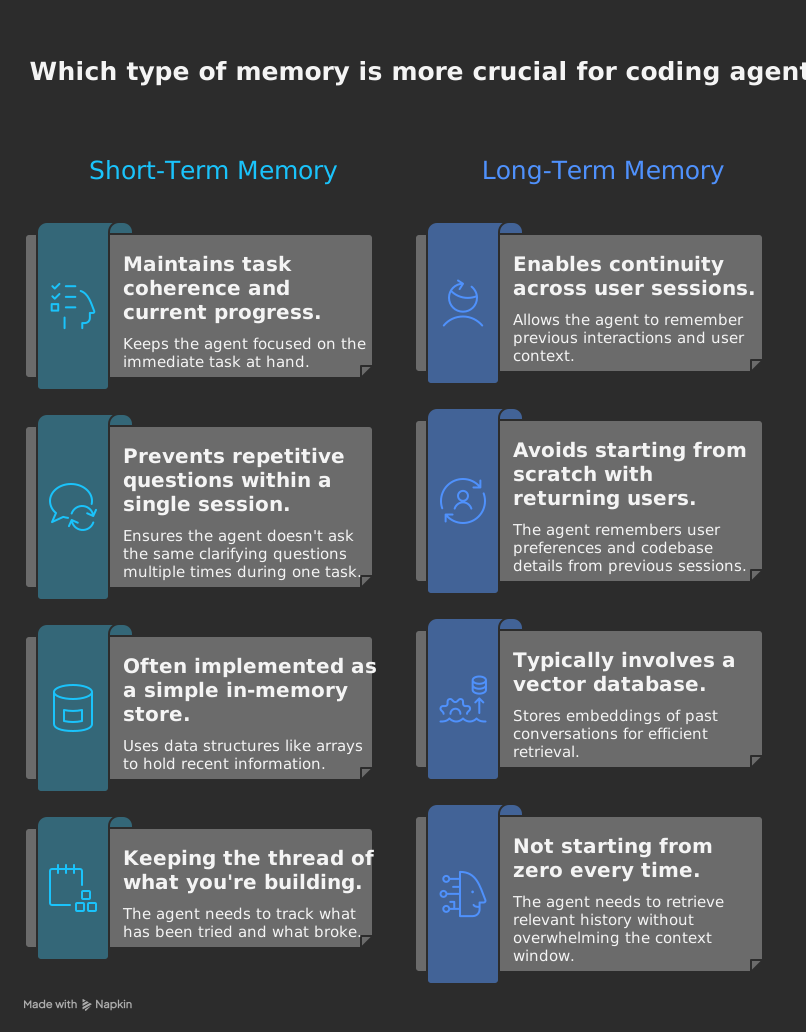
An agent without memory is a goldfish. It can't track what happened three steps ago, let alone carry context across sessions.
The two types are different problems. Short-term memory keeps the current task coherent — holding the thread of what you're building, what you tried, what broke. Long-term memory means not starting from zero every time a user comes back.
Without both, agents ask the same clarifying questions twice, forget what the codebase looks like, and make decisions that contradict what they decided an hour ago.
// Simple in-memory store (short-term)
const agentMemory = {
  context: [],
  addEntry(role, content) {
    this.context.push({ role, content, timestamp: Date.now() });
  },
  getRecent(n = 10) {
    return this.context.slice(-n);
  }
};
Long-term memory usually means a vector database — Pinecone, Weaviate — storing embeddings of past conversations so the agent retrieves relevant history without stuffing everything into the context window.
The real skill: knowing what to remember and what to discard. More is not always better.
2. Knowing When to Use Tools
Give an agent a hammer and everything looks like a nail. The real skill is tool selection — picking the right tool, at the right moment, without unnecessary calls.
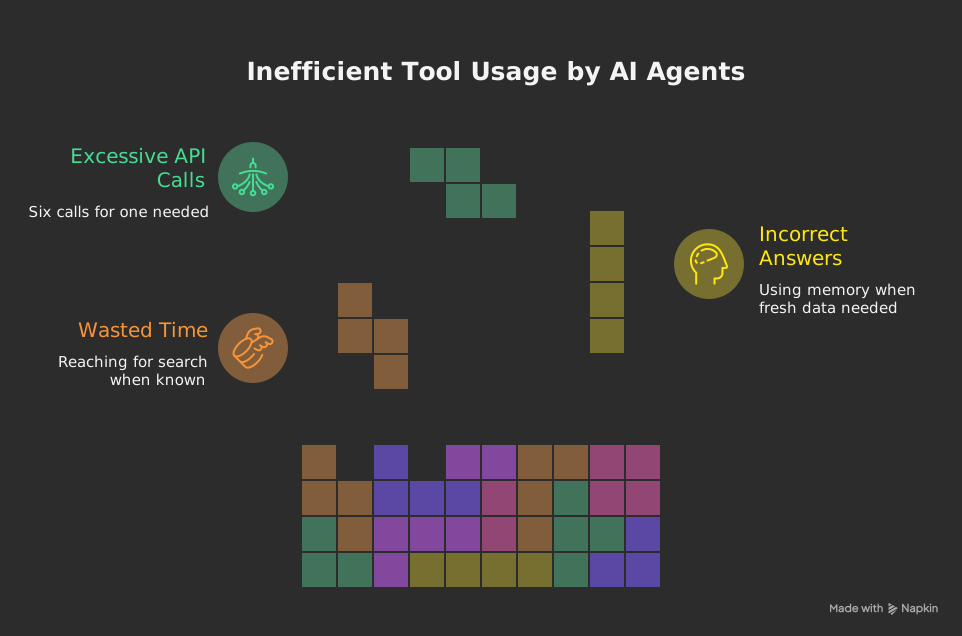
Agents have access to search, code execution, file systems, APIs, databases. An agent that reaches for web search when it already knows the answer wastes time and money. One that answers from memory when it needs fresh data gets things wrong.
async function selectAndRunTool(task, availableTools) {
  const needed = analyzeWhatsMissing(task);
  const tool = availableTools.find(t => t.capabilities.includes(needed));
  if (!tool) return handleWithoutTool(task);
  return await tool.execute(task);
}
The pattern that works: check what you know first, identify what's missing, then choose the minimal set of tools to fill the gap.
Over-tooling is a real failure mode. Six API calls for something that needed one is more common than you'd think. Fewer, sharper tools consistently outperform bloated tool sets.
3. Computer Use
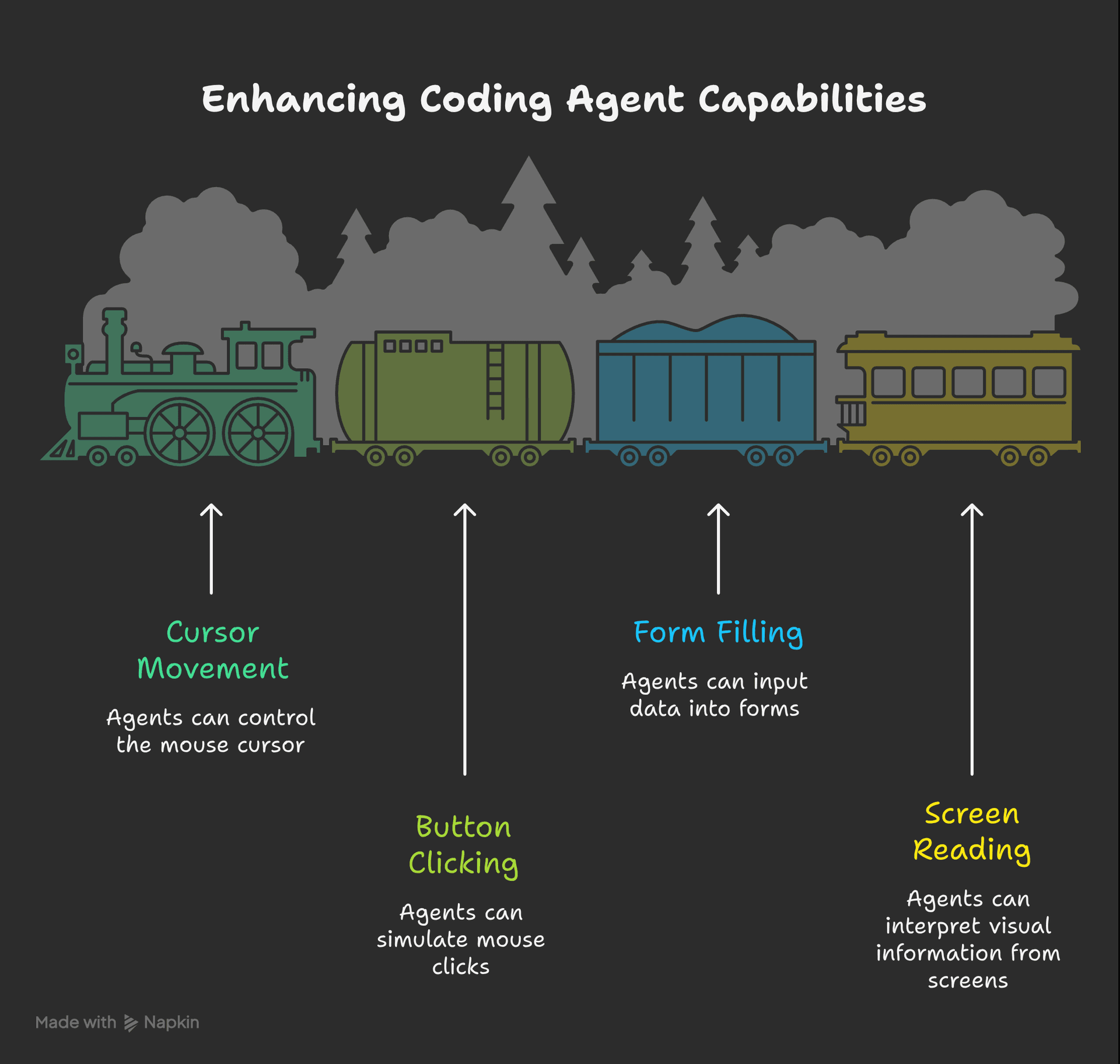
Agents that can actually operate a computer — move a cursor, click buttons, fill forms, read screens — can handle tasks that pure code-based agents can't touch.
Useful for testing UI flows, automating browser-based workflows, interacting with systems that don't have APIs. The challenge: it's slow and error-prone compared to direct API calls, so you only want agents reaching for this when there's no better option.
from anthropic import Anthropic

client = Anthropic()

response = client.beta.messages.create(
    model="claude-opus-4-5",
    max_tokens=1024,
    tools=[{
        "type": "computer_20241022",
        "name": "computer",
        "display_width_px": 1024,
        "display_height_px": 768
    }],
    messages=[{
        "role": "user",
        "content": "Open the browser and navigate to the dashboard"
    }]
)
4. Prompt Caching
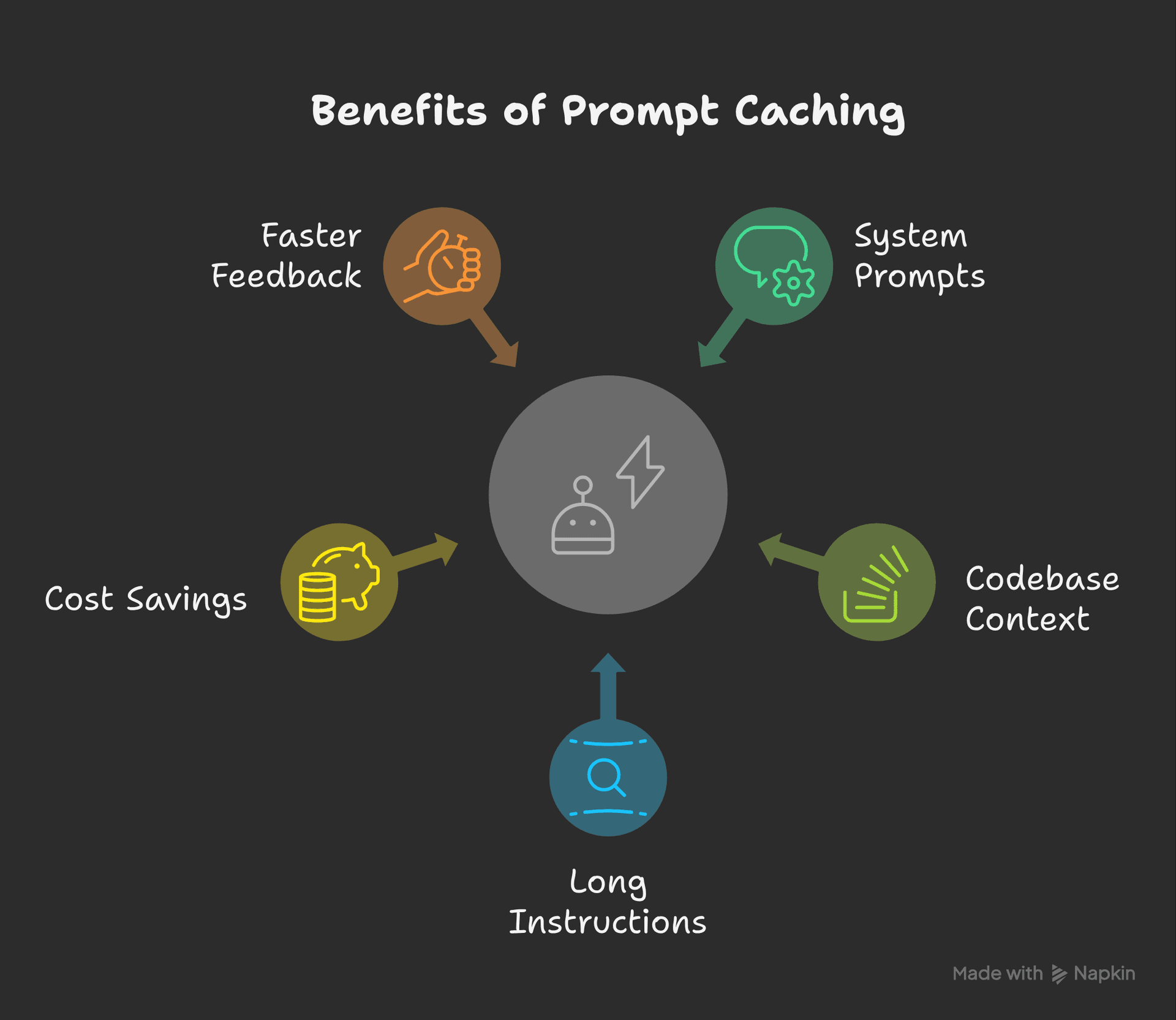
Not flashy, but consequential. Prompt caching lets agents reuse parts of context that don't change — system prompts, codebase context, long instructions — instead of re-sending them with every API call.
For applications where the agent repeatedly works with the same context (same codebase, same documentation), the cost savings are real. More importantly, it speeds up the feedback loop.
response = client.beta.messages.create(
    model="claude-opus-4-5",
    max_tokens=1024,
    system=[{
        "type": "text",
        "text": your_large_system_prompt,
        "cache_control": {"type": "ephemeral"}
    }],
    messages=conversation_history,
    betas=["prompt-caching-2024-07-31"]
)
The cached portion doesn't get re-processed. That compounds quickly in long sessions — same codebase, same documentation, processed once and reused.
5. Running Code
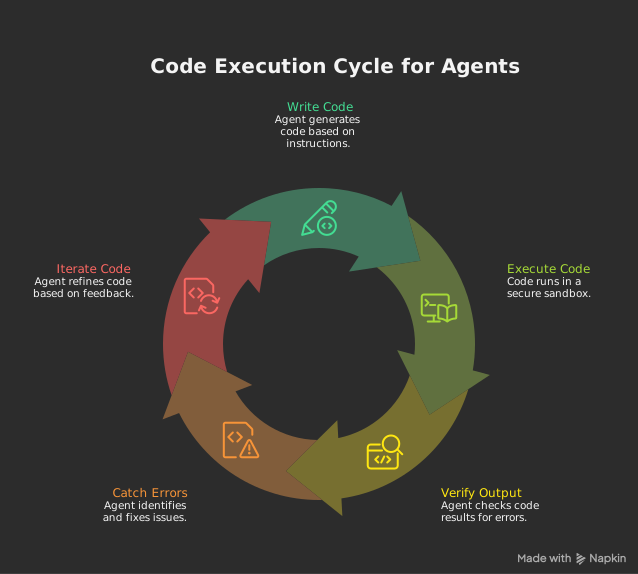
An agent that can only write code but not run it is missing half the loop. Execution lets the agent verify its own output, catch errors before you do, and iterate without asking you to be the runtime.
The security piece matters here. You want code running in sandboxed environments — isolated from the host system, with resource limits, with clear boundaries on what it can touch.
import subprocess
import tempfile
import os

def safe_run(code: str, timeout: int = 30):
    with tempfile.NamedTemporaryFile(mode='w', suffix='.py', delete=False) as f:
        f.write(code)
        tmp = f.name
    try:
        result = subprocess.run(
            ['python', tmp],
            capture_output=True, text=True, timeout=timeout
        )
        return {
            "stdout": result.stdout,
            "stderr": result.stderr,
            "returncode": result.returncode
        }
    except subprocess.TimeoutExpired:
        return {"error": "Execution timed out"}
    finally:
        os.unlink(tmp)
No execution = no feedback loop = an agent that guesses whether its code works and hopes you don't notice.
6. Web Search
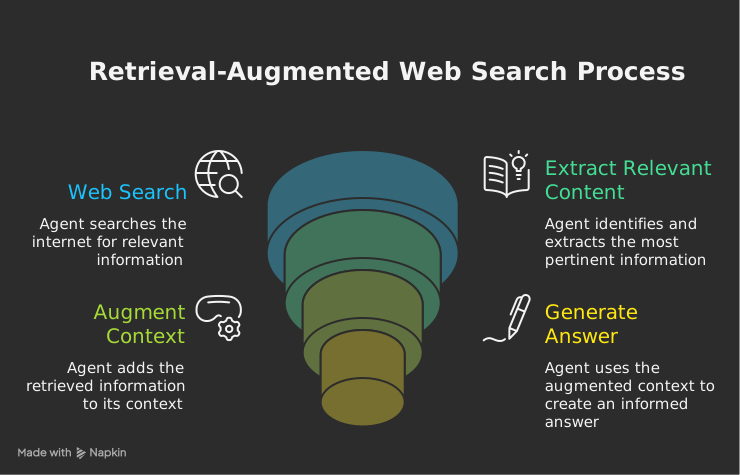
Models have knowledge cutoffs. The world doesn't stop. Web search is how agents stay current — finding recent docs, looking up API changes, checking for new packages, reading error messages that postdate training.
The smarter behavior is retrieval-augmented: search, pull the relevant content, include it in context before generating an answer. Better than inventing details about a library that shipped six months ago.
async def search_and_augment(query: str, agent_context: dict):
    results = await web_search(query)
    relevant = extract_relevant(results, query)
    agent_context['retrieved'] = relevant
    return await generate_with_context(agent_context)
Agents that can't search are locked in the past. This compounds quickly in fast-moving domains like AI tooling, where things change weekly.
7. Working With Files and Folders
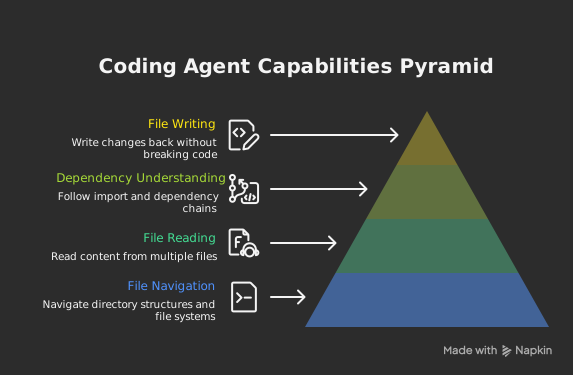
Most real programming tasks aren't one-file problems. Agents need to navigate directory structures, read multiple files, understand how pieces connect, and write changes back without breaking things.
This means following imports, tracing dependency chains, knowing that changing one file might affect five others.
import os

def read_project(root: str, extensions=('.py', '.js', '.ts')):
    files = {}
    for dirpath, _, filenames in os.walk(root):
        for filename in filenames:
            if filename.endswith(extensions):
                full_path = os.path.join(dirpath, filename)
                with open(full_path, 'r', encoding='utf-8') as f:
                    files[full_path] = f.read()
    return files
An agent working one file at a time will get the wrong answer on anything non-trivial. A real project is a graph of dependencies, not a list of files.
8. Using External Services
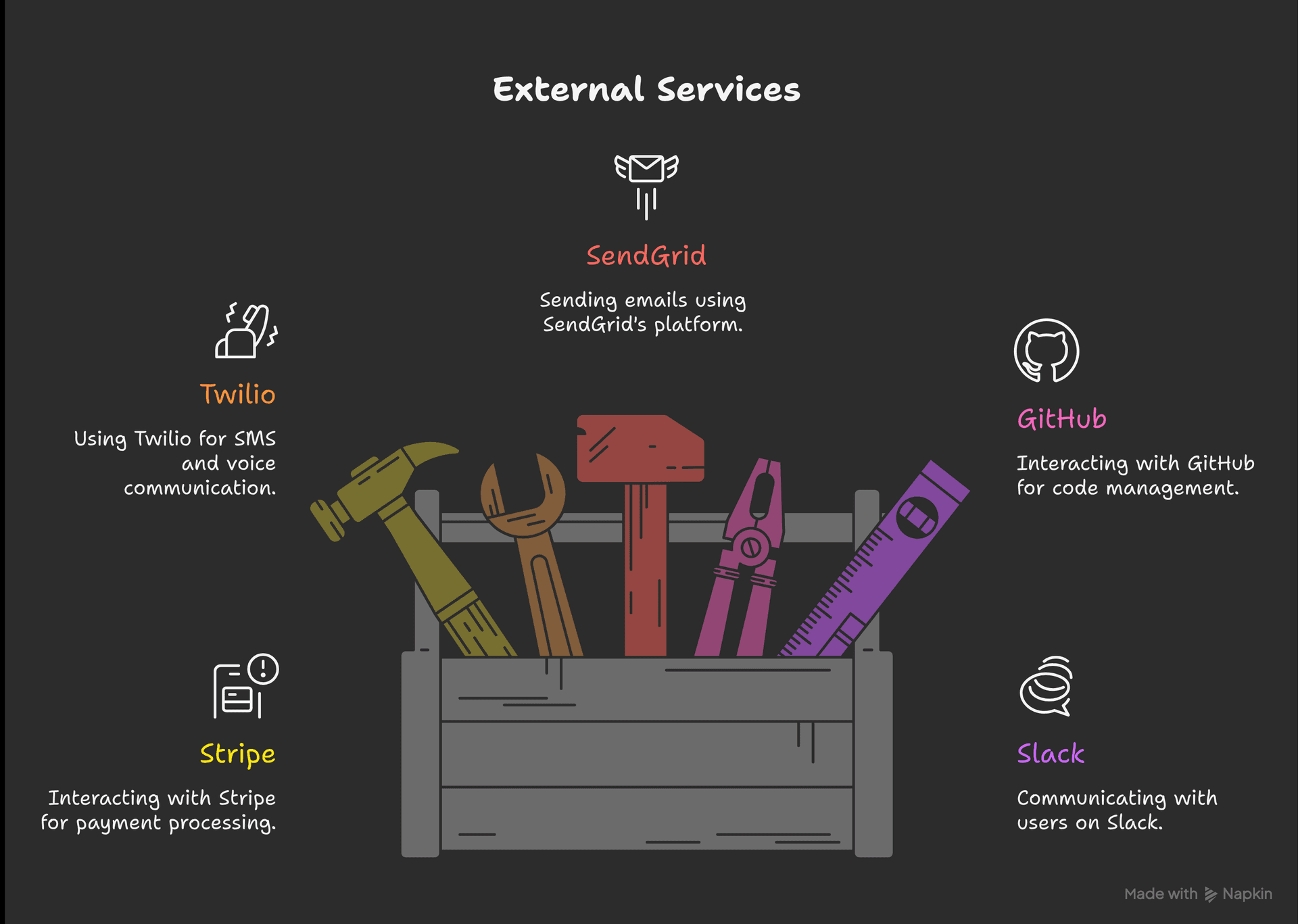
Real applications talk to things: Stripe, Twilio, SendGrid, GitHub, Slack. Agents that can interact with these services handle actual product tasks — not toy examples.
The pattern: define the tools, let the agent decide when to call them, handle the results. The agent doesn't need to know how Stripe works internally — just what the tool does and what it returns.
import anthropic
import stripe

stripe.api_key = "your_key"
client = anthropic.Anthropic()

tools = [{
    "name": "create_payment_intent",
    "description": "Create a Stripe payment intent for a given amount",
    "input_schema": {
        "type": "object",
        "properties": {
            "amount": {
                "type": "integer",
                "description": "Amount in cents"
            },
            "currency": {
                "type": "string",
                "description": "Currency code (usd, eur, etc.)"
            }
        },
        "required": ["amount", "currency"]
    }
}]
9. Multi-Agent Coordination
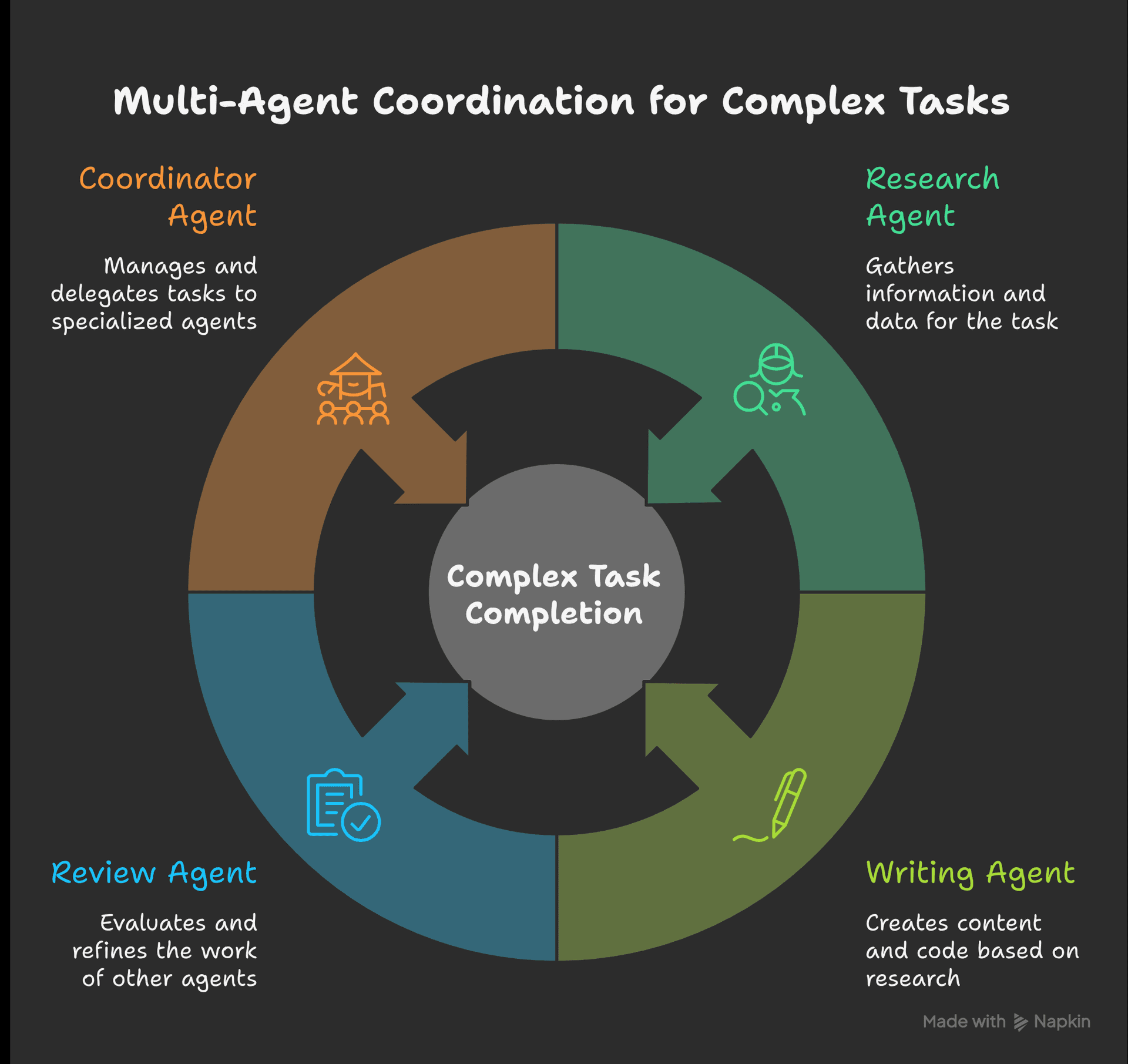
Some tasks are too big for one agent. Multi-agent systems let you break work apart: one agent researches, one writes, one reviews. Or a coordinator delegates to specialized subagents. This is where agents start to feel less like a chatbot and more like a team.
class AgentOrchestrator:
    def __init__(self):
        self.agents = {}

    def register(self, name: str, agent):
        self.agents[name] = agent

    async def coordinate(self, task: dict):
        task_type = task.get('type')
        agent = self.agents.get(task_type)
        if agent:
            result = await agent.execute(task)
            return await self.collect_results([result])
        return await self.distribute(task)
Multi-agent isn't always better. It's better when the task genuinely benefits from parallelism or specialization. Coordination overhead and debugging nightmares are real. A single well-prompted agent often beats the whole orchestra.
10. Model Context Protocol (MCP)
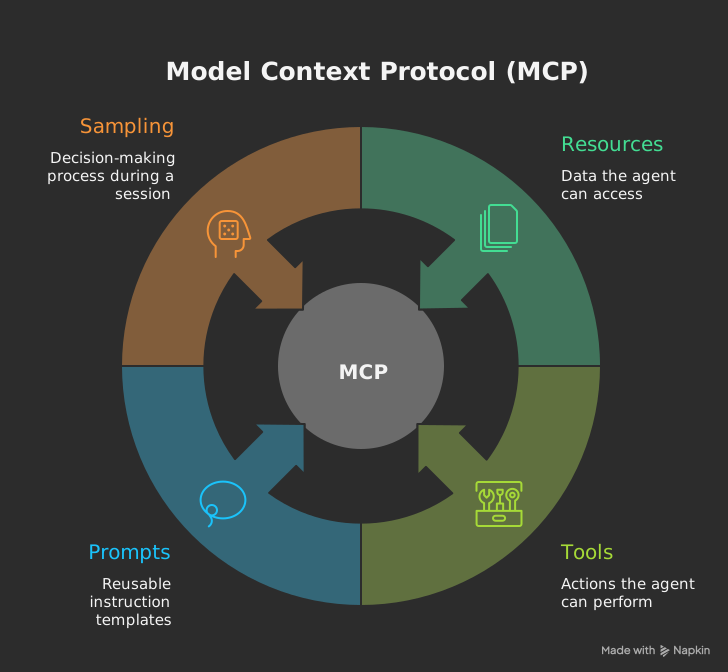
MCP is the standard emerging for connecting agents to external tools and data sources. Think of it as a common language for "here are the tools you have access to and here's how to use them."
The value is that you define integrations once and they work across different agents and contexts. You're not rebuilding the Stripe connector every time you start a new project.
| Layer | What It Does | |---|---| | Resources | Data the agent can read (files, docs, API responses) | | Tools | Actions the agent can take (create, update, delete) | | Prompts | Reusable instruction templates | | Sampling | How the agent makes decisions during a session |
from mcp import MCPClient

mcp = MCPClient()
tools = await mcp.list_tools()

response = await agent.run(
    task="Create a new task in the project",
    available_tools=tools,
    mcp_client=mcp
)
MCP is still evolving, but it's already the clearest path to agents that plug into real systems without custom integration work each time.
So What Does This Actually Mean?
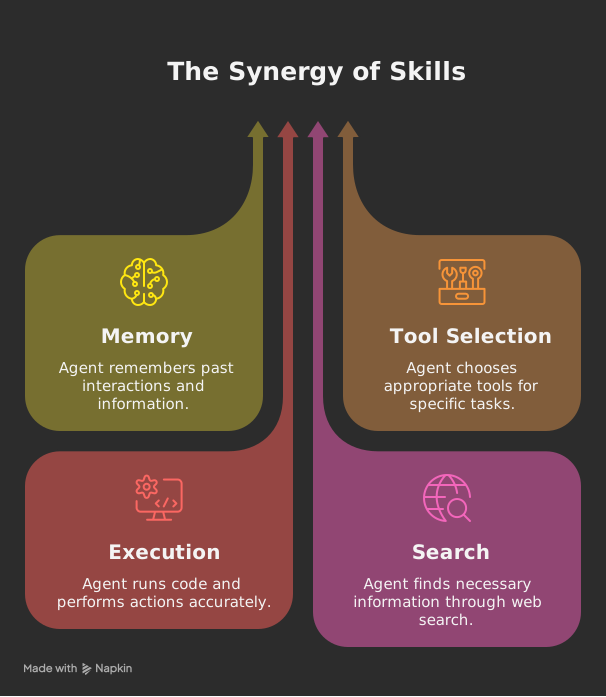
Ten skills is a lot. But they're not independent — they compound. An agent with memory, tool selection, execution, and search is dramatically more capable than one with any single skill in isolation.
The agents that are useful in 2026 aren't impressive because they write pretty code. They're useful because they can take a task, figure out what they need, go get it, run it, check it, and come back with something that works.
That's a higher bar than most agents currently clear. But it's a bar worth building toward.
Inspired by "10 Must-Have Skills for Claude and Any Coding Agent in 2026" by Unicodeveloper on Medium.